
Vehicle Information Display

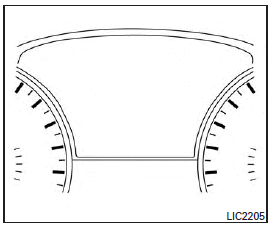
The vehicle information display is located to the left of the speedometer. It displays such items as:
● Vehicle settings
● Trip computer information
● Drive system warnings and settings (if so equipped)
● Cruise control system (if so equipped)/ Intelligent Cruise Control (ICC) system (if so equipped) information
● Intelligent Key operation information
● Indicators and warnings
● Tire Pressure information
● other information
See also:
Camera aiding sonar (parking sensor) (rear center sonar if so equipped)
The sonar (parking sensor) sounds a tone to inform the driver of obstacles near the bumper.
WARNING
● The sonar (parking sensor) is a convenience feature. It is not a substitute for proper p ...
Sunglasses holder
To open the sunglasses holder, push and release1.
Only store one pair of sunglasses in the holder.
WARNING
Keep the sunglasses holder closed while driving to prevent an accident.
CAUTION
&# ...
View malfunction
When the “!” icon is displayed on the screen, there will be abnormal conditions in the around view monitor. This will not hinder normal driving operation but the system should be inspected by an INF ...