
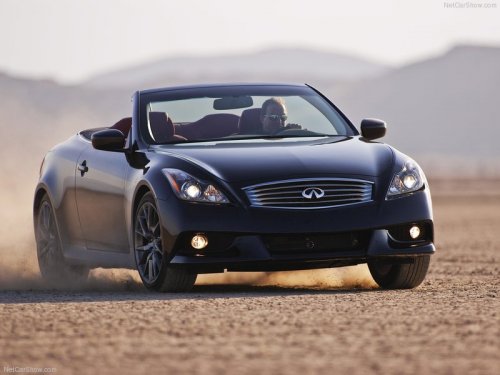
Infiniti IPL G
Infiniti IPL G
See also:
Head restraints (1st row only)
WARNING
Head restraints supplement the other vehicle safety systems. They may provide additional protection against injury in certain rear end collisions. Adjust the head restraints properly, as sp ...
Three-point type seat belt
WARNING
• Every person who drives or rides in this vehicle should use a seat belt at all times.• Do not ride in a moving vehicle when the seatback is reclined. This can be dangerous.The shoulder belt ...
Top tether strap child restraint
If the manufacturer of your child restraint
requires the use of a top tether strap, it
must be secured to an anchor point.
WARNING
► In the 3rd row bench seat, a child
restraint with a ...