
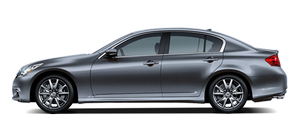
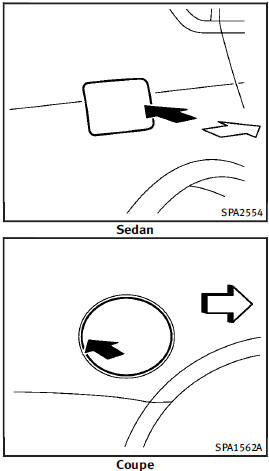
Fuel-filler door
See also:
Engine oil pressure gauge
The gauge indicates the engine lubrication
system oil pressure while the engine is
running. When the engine speed is high,
the engine oil pressure is also high. When
it is low, the gauge ind ...
Tow mode switch
TOW MODE should be used when pulling a
heavy trailer or hauling a heavy load.
Driving the vehicle in TOW MODE with no
trailer/load or light trailer/light load will
not cause any damage. Howe ...
Backing up behind a projecting object
Backing up behind a projecting object
The position C is shown further than the position B in the display. However, the position
C is actually at the same distance as the position A . The vehicle ...