
Personal lights

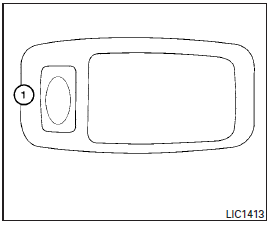
To turn on the personal lights, press and release the switch 1 .
To turn the personal lights off, press and release the switch 1 .
See also:
Locking with power door lock switch
Locking with power door lock switch
Operating the power door lock switch will lock or unlock all the doors. The switches are located on the driver’s and front passenger’s door armrests.
To lock th ...
Selecting the memorized position
1. Automatic transmission models: Move the selector lever to the P (Park) position.
Manual transmission models: Apply the parking brake.
2. Raise the seatback (Coupe).
3. Use one of the following m ...
Pairing procedure
Pairing procedure
Up to 5 cellular phones can be registered.
1. Push the button on the steering wheel. The system announces the available commands.
2. Speak: “Connect Phone”. The system acknowle ...